







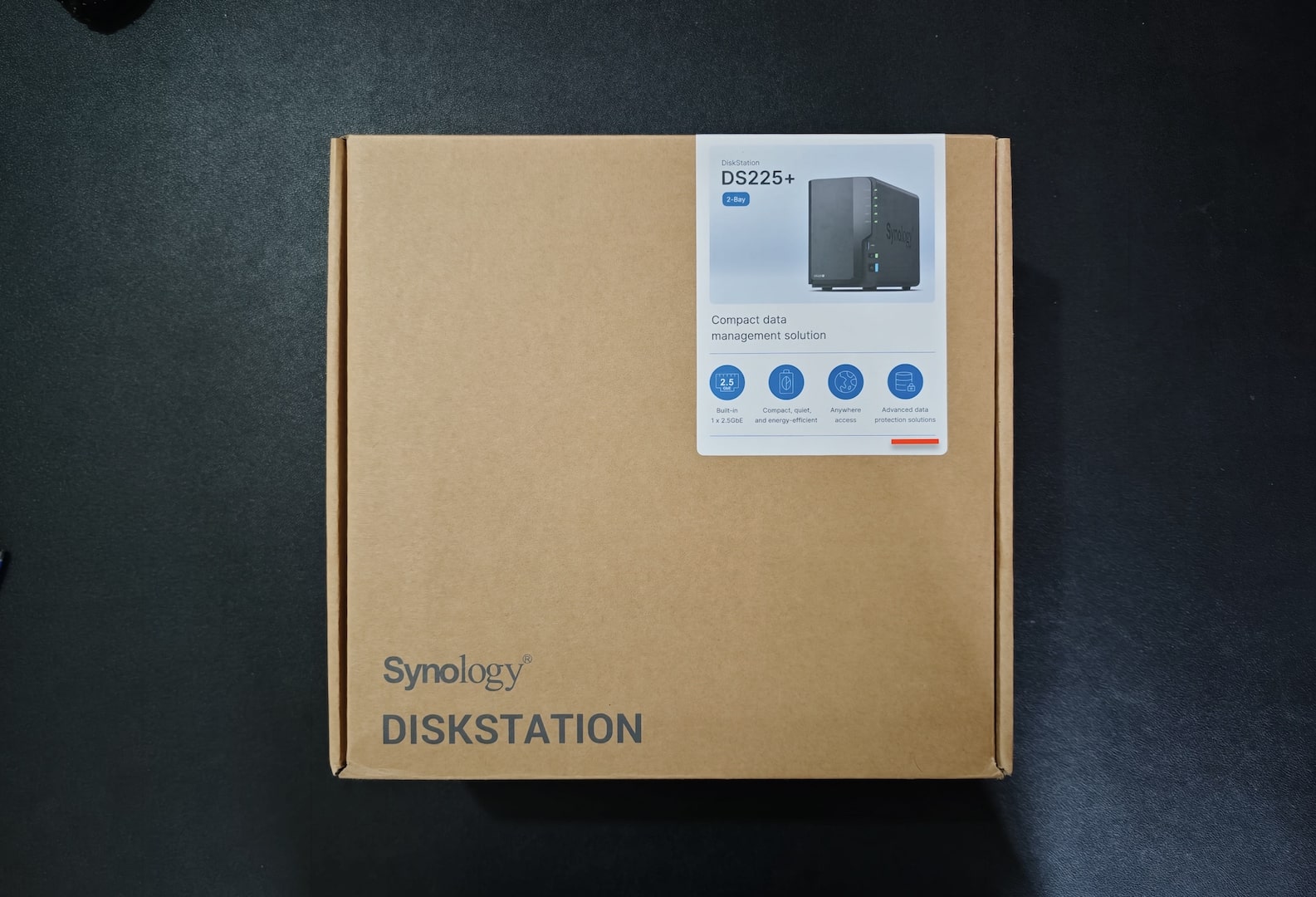
Synology officially launched the DS225+ in June 2025, a compact two-bay NAS (Network Attached Storage) designed for home users, prosumers, and small businesses. It’s a successor of the DS224+; yet, there is almost no difference if we ignore the 2.5GbE Network Port and Firmware upgrades. Similar to the DS224+, the Synology DS225+ is the most balanced and attractive NAS deal in its category.
The Synology DS225+ is more than just another storage box; it’s a future-ready platform for managing, securing, and accessing data anywhere. However, in India, getting a brand-new Synology model is rarely as straightforward as clicking “buy now.” Since Synology is not selling its products on its platform, and relies completely on distributors.


What should have been a straightforward purchase turned into weeks of calls, emails, and back-and-forth with distributors. Availability was patchy, online listings were broken, and communication with many vendors was frustrating at best. Finally, after narrowing down to three resellers, I placed my order with ChipCom, which stood out for its professionalism.
Why is NAS (Network Attached Storage) Relevant Now?
In a world where we create and consume massive amounts of data daily, NAS has become more relevant than ever. Cloud services are convenient, but they come with recurring subscription fees, privacy concerns, and limits on flexibility. A NAS like the Synology DS225+ gives you:
- Centralised Data Storage for families, teams, and businesses.
- Photo and Document Backup with access from anywhere using a mobile app.
- Private Cloud: Access your data, accessible from anywhere, without relying solely on third-party cloud providers.
- Backup and Disaster Recovery with multi-version snapshots, protecting you from accidental deletions or ransomware attacks.
- Media Streaming and Home Server Capabilities run Plex, JellyFin, and manage Movie and Show libraries.
- Business Productivity Tools: Synology’s DSM software suite includes collaboration apps, surveillance management, and file synchronisation across devices. With the right configuration and resources, it can host almost everything you can expect from a cloud or server.
With data usage soaring and with more professionals working in hybrid setups, a NAS device isn’t just a good-to-have device; it’s quickly becoming essential infrastructure for individuals and businesses alike. Basically, the one-time investment in NAS can give you your own cloud computer with a robust software ecosystem by Synology, which will replace most of the cloud services if configured properly and securely.
It has a replacement for most of the premium cloud services you are paying for, like Google Drive, OneDrive or similar storage services, Google Photos, Premium Notes or Notebook Application, Music, Media Streaming, Chat, Email, Web Hosting and many more, just with a minor tweak or configuration and in case of media with effort of dowloading on the NAS using its inbuilt applications.
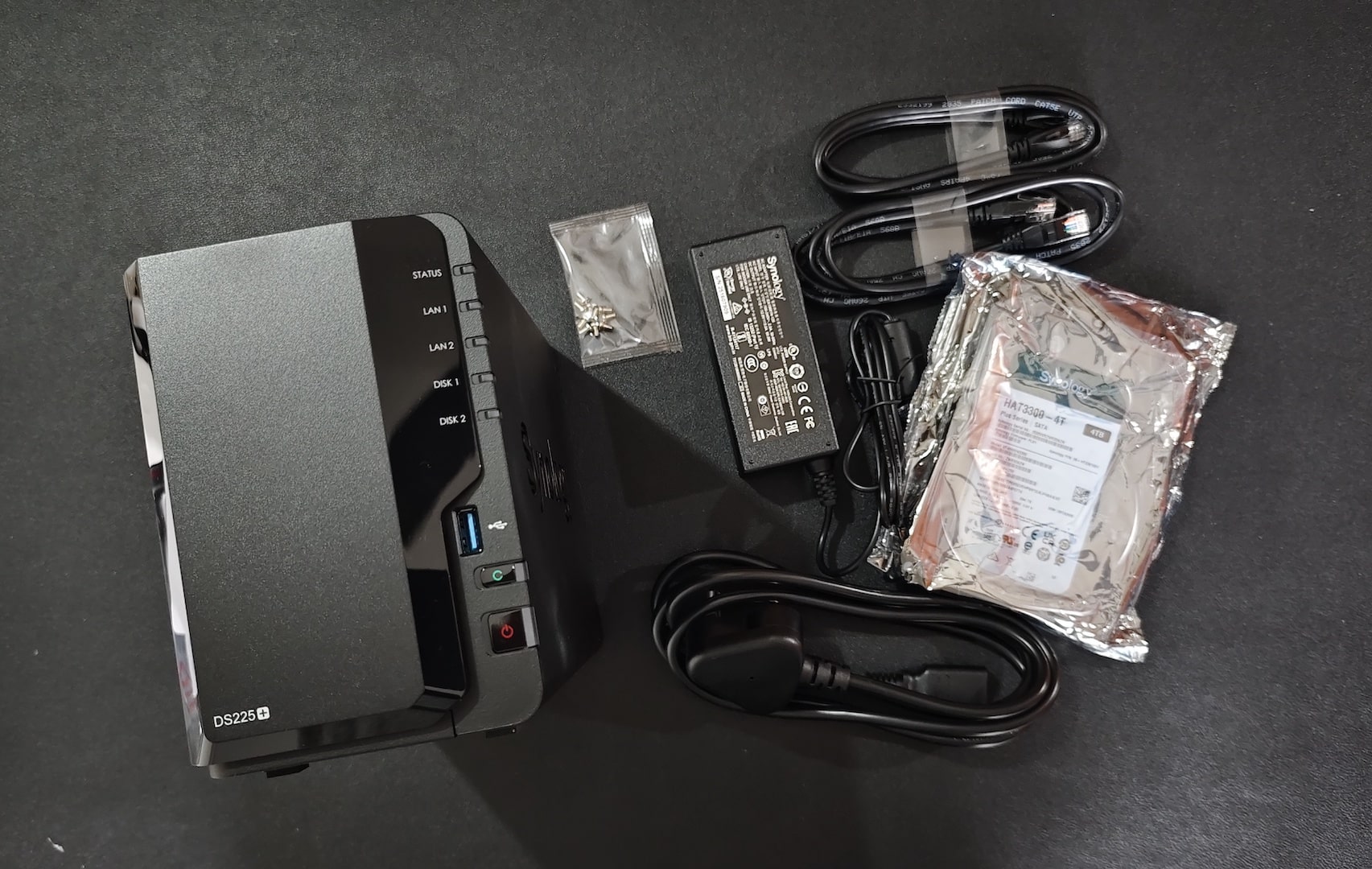
This is as essential as the internet connection we have at our home and offices, but the awareness about this solution is not much. We are consuming the internet data, we are paying for the additional or premium cost to store and access the data to Google, Apple and Microsoft, etc, whereas using the NAS can significantly reduce the combined family and business expenses on services like Google Drive, Google Photos, OneDrive, Apple Cloud, etc. It makes more sense now since we all have fast (4G/5G/Fibre/AirFiber) internet connections, and we carry them literally every time, everywhere.
What’s the point of having a 200MP smartphone if we have limited storage on the phone and the cloud? On average, there is a ₹10,000 to ₹25,000 difference in the price of a smartphone with higher internal storage. That’s for one mobile phone; consider it for the family and team. More importantly, the downsides are that there will be data migration involved when you switch the device and since such a huge cloud storage will be very expensive, only a limited number of users backup entire all their data on the cloud with paid storage. This is just for the mobile phone; the same logic applies to other devices like computers, tablets and other personal and work data.
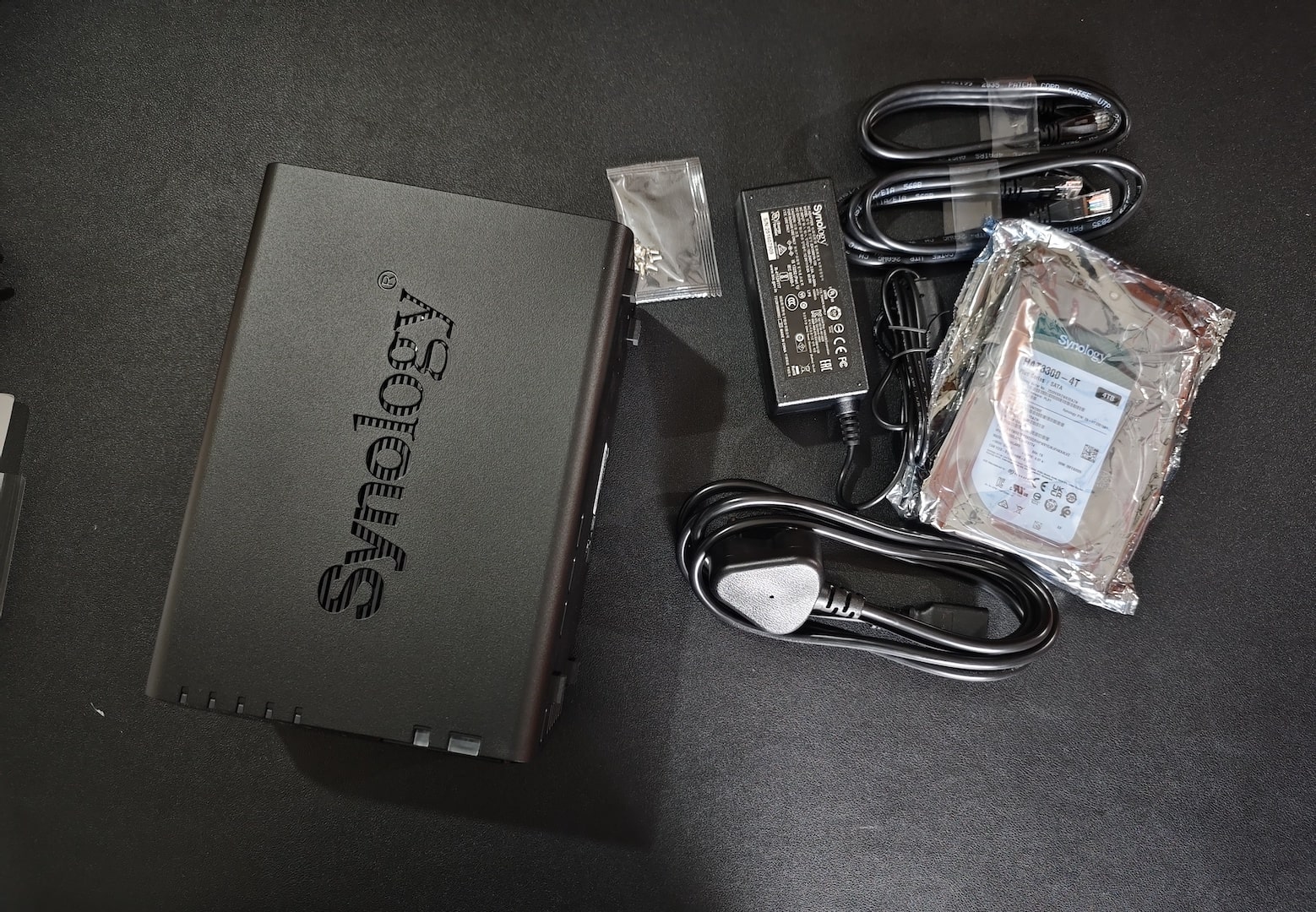
We buy Android phones powered by Google and iOS by Apple, and we start consuming and generating data from day one. Eventually, we need to either upgrade the device or start buying the premium storage and other cloud solutions from them or other companies selling cloud storage. Once you have years of data generated from Phones, PCs, or Tablets, it becomes very difficult to switch devices or the ecosystem even if you want. But, by building your own private cloud instead, you can save a lot on the cloud expenses for you and 512 other users that you can create on the Synology DiskStation DS225+.
Synology DS225+: Key Features
Here are the standout features that make the DS225+ a compelling ‘File Server’ or ‘Personal Cloud’ option in 2025:
- CPU & Memory: Intel Celeron J4125 Quad-Core processor, 2.0 GHz base frequency with burst up to 2.7 GHz, paired with 2GB DDR4 memory (expandable up to 6GB). This delivers enough power for multitasking, Docker containers, business apps, and its integrated GPU helps in media streaming.
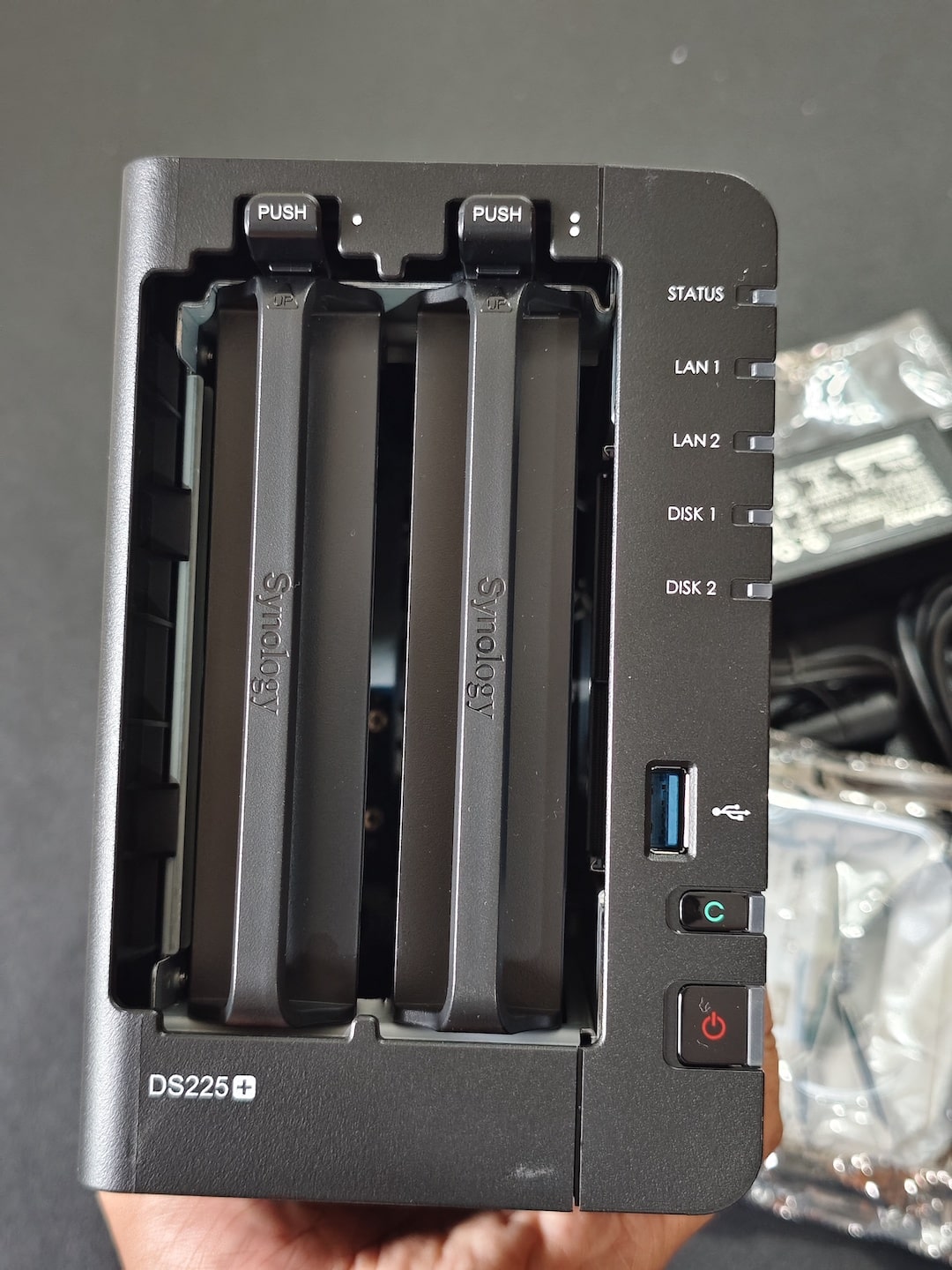
- Network Performance: 1 × 2.5GbE port + 1 × 1GbE port. The inclusion of 2.5GbE is a long-awaited upgrade; it enables faster LAN transfers (up to 2.5x the speed of standard Gigabit Ethernet) without needing enterprise networking gear.
- Drive Bays: 2 hot-swappable 3.5”/2.5” bays, supporting HDDs and SSDs, with RAID 0/1 and Synology Hybrid RAID (SHR) for flexibility.
- Expansion & Compatibility: Dual USB 3.2 Gen 1 ports for external storage and backup devices.
- DSM (DiskStation Manager): Synology’s powerful OS brings tools like Synology Drive, Synology Photos, Synology Office, Docker, and Active Backup Suite, all running on your private hardware.
- Backup & Security: Multi-version snapshots, AES-NI hardware encryption, and secure remote access features ensure data safety.
- Visit the Official Synology DS225+ webpage for more and updated information.
In short, the DS225+ balanced NAS system for SOHO (Small Office/Home Office) combines performance, efficiency, and software maturity. Synology DS225+ comes with some limitations, like the number of Drive users, which is 10 and other hardware upgrade restrictions. If the expected number of users is more than 10-15 and you are planning for a really long-term and future-proof solution without spending too much, then Synology DS725+ will be the right pick.
DS224+ vs DS225+ vs DS725+: Which One Should You Buy?
The Synology DS725+, released alongside the DS225+ in mid-2025, takes a clear lead with its AMD Ryzen processor, ECC memory support, 2.5GbE connectivity, dual RAM slots, NVMe SSD caching, and expansion capability for up to seven drives. While the DS225+ is a solid refresh of the DS224+ with AI-enhanced security and faster networking, the DS725+ stands out as a far more future-ready NAS designed for professionals and small businesses that need scalable storage, virtualisation, and higher performance.
If your usage is mostly home or small-office data backup, the DS225+ will serve you perfectly at a great price point. But if you want something that can grow with your workload—handling heavier tasks like video editing, multiple Drive users, or virtualisation—the DS725+ is easily the smarter long-term investment.
| Category | DS224+ (2023) | DS225+ (2025) | DS725+ (2025) | Remarks / Highlights |
|---|---|---|---|---|
| Launch Year | 2023 | 2025 🟢 | 2025 🟢 | DS725+ and DS225+ are the latest generation |
| CPU Model | Intel® Celeron® J4125 | Intel® Celeron® J4125 | AMD Ryzen™ R1600 🟢 | DS725+ uses a newer and faster CPU |
| CPU Cores / Threads | 4-core | 4-core | 2-core / 4-thread | Ryzen R1600 has higher single-core performance |
| Base / Turbo Frequency | 2.0 / 2.7 GHz | 2.0 / 2.7 GHz | 2.6 / 3.1 GHz 🟢 | DS725+ faster per core |
| System Memory | 2 GB DDR4 (onboard) | 2 GB DDR4 (onboard) | 4 GB DDR4 ECC SODIMM 🟢 | DS725+ doubles RAM and adds ECC support |
| Memory Slots | 1 slot (expandable) | 1 slot (expandable) | 2 slots 🟢 | DS725+ allows dual memory modules |
| Max Memory Capacity | 6 GB (2 + 4) | 6 GB (2 + 4) | 32 GB (2 × 16 GB) 🟢 | Huge expansion on DS725+ |
| Drive Bays | 2 | 2 | 2 + 5 via DX525 expansion 🟢 | DS725+ expandable to 7 drives |
| M.2 NVMe Slots | No | No | 2 NVMe Slots 🟢 | SSD caching or storage pool creation |
| Hot Swappable Drives | Yes | Yes | Yes (except M.2) | Same functionality |
| Max Raw Capacity | 40 TB | 40 TB | 140 TB (with DX525) 🟢 | DS725+ expandable storage |
| Max Single Volume Size | 108 TB | 108 TB | 200 TB (with 32 GB RAM) 🟢 | Major capacity jump on DS725+ |
| Supported RAID Types | SHR, Basic, JBOD, RAID 0, RAID 1 | Same | + RAID 5/6/10 🟢 | DS725+ adds enterprise RAID support |
| LAN Ports | 2 × 1GbE | 1 × 1GbE + 1 × 2.5GbE 🟢 | 1 × 1GbE + 1 × 2.5GbE 🟢 | Faster networking on newer models |
| USB Ports | 2 × USB 3.2 Gen 1 | 2 × USB 3.2 Gen 1 | 1 × USB 3.2 Gen 1 🔴 | One fewer port on DS725+ |
| Expansion Port | No | No | Yes (DX525) 🟢 | Exclusive to DS725+ |
| Dimensions (HxWxD) | 165 × 108 × 232.2 mm | Same | 166 × 106 × 223 mm | Nearly identical size |
| Sequential Read/Write | Not listed | 282 / 217 MB/s 🟢 | 276 / 224 MB/s 🟢 | DS225+ slightly faster read; DS725+ optimized for cache |
| Local User Accounts | 2048 | 512 🔴 | 512 | Reduced on DS225+/DS725+ |
| Max SMB Connections | 500 (1500 w/6GB) | Not listed (~lower) | 30 🔴 | DS224+ supports more concurrent users |
| Snapshots (System) | 65,536 | 1,024 🔴 | 2,048 🟢 | DS725+ improved snapshot capacity |
| Security Features | Basic encryption, HTTPS | + Adaptive MFA, AI Insight 🟢 | + Adaptive MFA, AI Console 🟢 | Enhanced protection in newer models |
| Active Insight | Optional | Included (3 free licenses) 🟢 | Included 🟢 | Cloud monitoring & AI malware detection |
| Synology Drive Users (max) | Not listed (~10) | 10 🔴 | 50 🟢 | Drive = concurrent Drive app users, not total DSM users |
| Synology Office Users (max) | Not listed | 10 | 50 🟢 | DS725+ supports larger teams |
| Synology Chat Users (max) | N/A | 100 | 100 | Same across both |
| Synology MailPlus Users | 5 free | 5 free / up to 20 | 5 free / up to 60 🟢 | Higher mail user limit on DS725+ |
| Virtual Machine Instances | Not listed | 2 (1 free) | 4 (1 free) 🟢 | Better virtualisation on DS725+ |
| Surveillance Cameras | 8300+ | 8700+ 🟢 | 8700+ | Expanded compatibility since DS225+ |
| AI Features | None | AI Console + MFA 🟢 | AI Console + De-identification 🟢 | DS725+ adds enterprise-level AI tools |
| Warranty | 2 years 🔴 | 3 years 🟢 | 3 years 🟢 | Longer base warranty on newer models |
| Target Audience | Small Office / SMB | Home / Edge / SOHO 🟢 | Professional / Business 🟢 | DS725+ bridges prosumer to SMB |
- DS224+ – Best for small teams and SMBs needing more concurrent user access.
- DS225+ – Ideal home/edge NAS with 2.5GbE and AI security features.
- DS725+ – Most powerful; supports M.2 NVMe, expansion, 50 Drive users, and ECC RAM.
Why Buying a Synology NAS in India isn’t Easy
Now, even Apple and Google have started selling their device officially on their website. For Synology, retail users might not be the target audience for them, but if they work on the availability of the product online and offline, targeting the retail customers, it can make a really big impact on the sales and popularity of Synology.
Synology products are popular globally, but in India, the buying experience is far from smooth. Unlike smartphones, laptops, or even enterprise servers, Synology NAS devices aren’t widely stocked across mainstream online platforms. For the DS225+, the situation was worse since it was a recent launch with very limited initial availability.
Here’s what I faced during my search:
- No Reliable e-Commerce Availability: Amazon and Flipkart had either no listing or were overpriced or lacked reliable and authentic sellers.
- Broken Distributor Websites: Many of the resellers listed on Synology’s official website had non-functional e-commerce portals. Pages didn’t load, checkout failed, or the DS225+ wasn’t even listed.
- Lack of Prompt Responses: I called and emailed almost every distributor and sub-distributor listed by Synology in India. Very few responded promptly, and many required multiple follow-ups before even acknowledging the query.
After some really hard digging, I found the contact details and called the distributors since either the product was not listed on any of the eCom portals or the website was broken and was not appearing authentic. I got a quote from Eagle Information Systems, Jain Infoways, and ChipCom Traders Pvt Ltd.
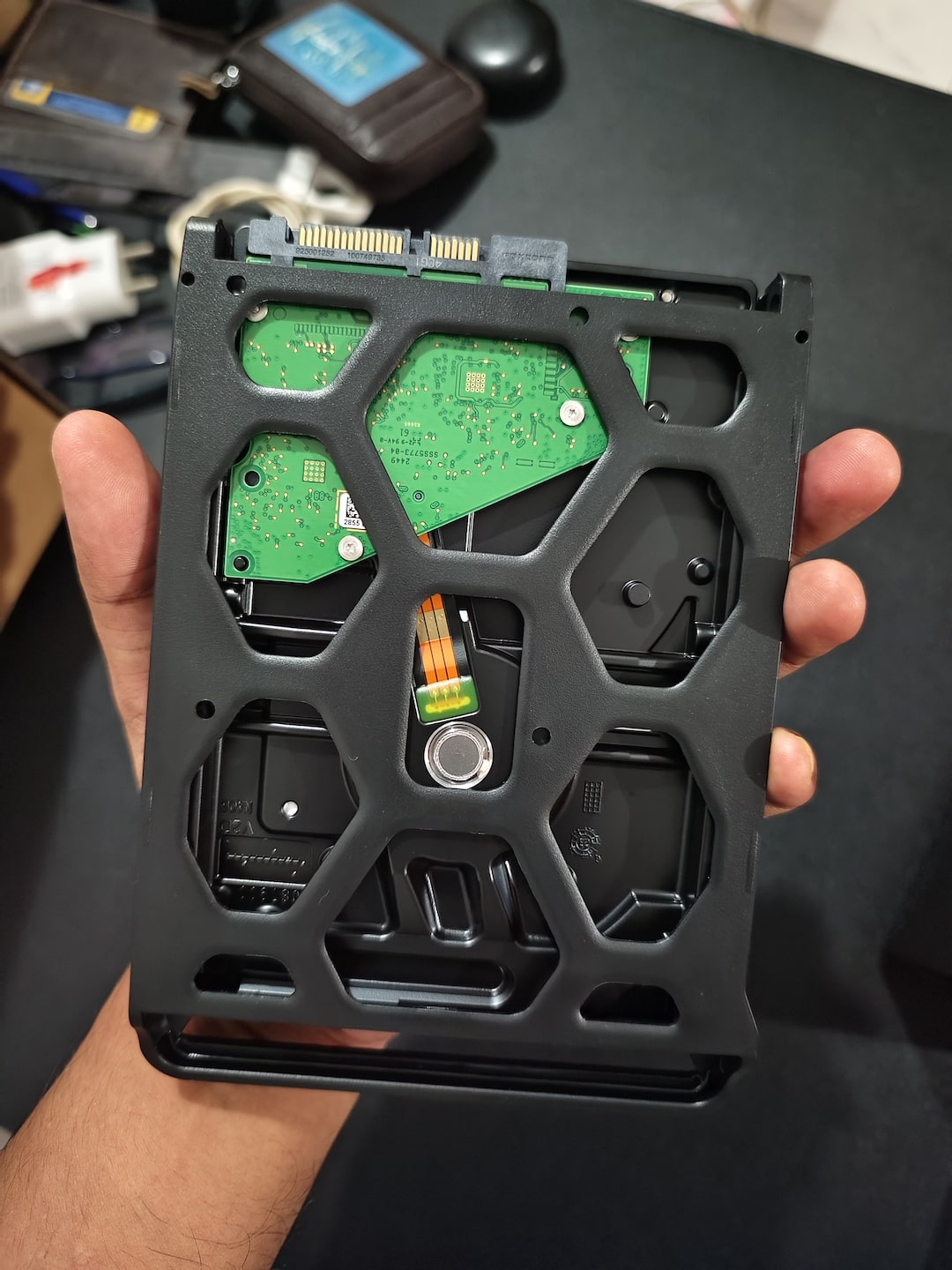
I ended up buying the Synology NAS and HDD from ChipCom Traders Pvt Ltd because they responded promptly and offered the best price. ChipCom answered all my queries about the DS225+ and assured me about the warranty and support. The director also looped in his team to process the order quickly.
The highlight was that ChipCom went beyond the standard process. On my request, they shared a packaging video just before shipping the unit. This simple but thoughtful gesture gave me confidence that the product was genuine, handled carefully, and ready for safe shipment. That kind of transparency builds trust, especially when you’re buying a device that you expect to rely on for years.
The Only Downside was getting it shipped with the Trackon. While ChipCom’s service was excellent, the shipping partner Trackon turned out to be a major disappointment. The shipment updates were delayed or inaccurate, and communication from Trackon was hopeless. Eventually, I had to travel nearly 60 km to collect the package myself. In future, I will just make sure that I won’t recommend Trackon as a courier company.
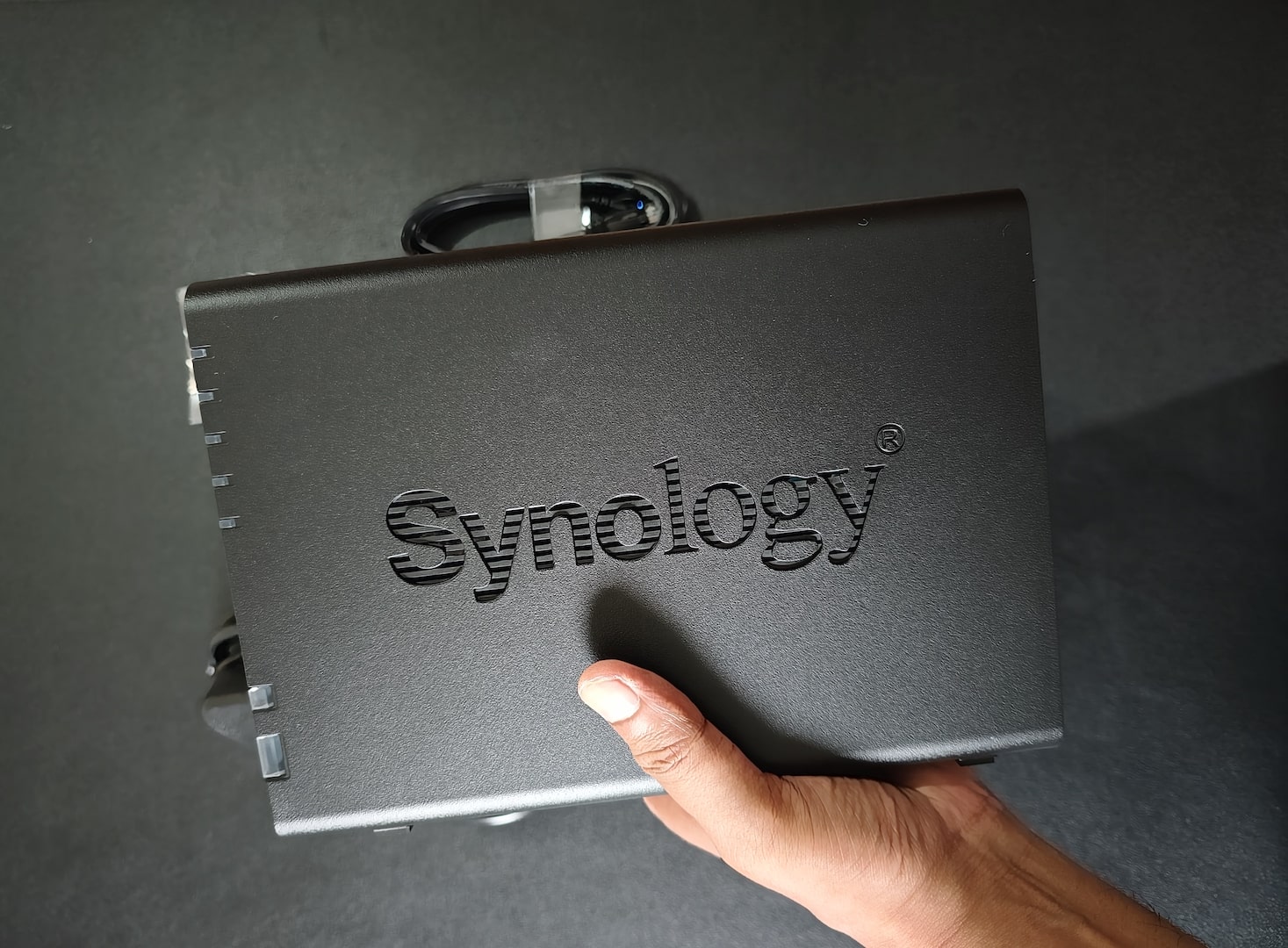
Conclusion:
The Synology DS225+ is an excellent NAS device, but buying it in India tested my patience since it was not available on Amazon via trusted sellers. The process was anything but smooth. However, I am glad I persisted because the DS225+ delivers exactly what I wanted, a compact, reliable, and future-proof NAS.
Synology DS225+ is an ideal device for the SOHO (Small Office/Home Office), but if you want more flexibility and a future-proof solution, then Synology DS725+ should be the ideal pick. DS725+ has a significant upgrade in comparison to the Synology DS225+, basically all kinds of features and flexibility and scalability you can expect from the NAS, including converting it into a 7-Bay NAS system.
If you are planning to buy the DS225+ in India, be prepared for some legwork. Don’t rely only on e-commerce portals; instead, contact authorised distributors directly, and you may get the best deals with the right approach. If you are reaching out to ChipCom.in to buy any of the networking devices, you can mention “techinfoBiT” to get the best price.
Stay tuned: In the next post, I’ll be sharing my first impressions, unboxing, and initial configuration experience with the Synology DS225+. A detailed review with performance benchmarks will follow soon on techinfoBiT.